New enhancements in this release for this role:
(Tip: You can use the Table of Content  on the right side to view the list of all enhancements)
Comparing Two Revisions |
Why Easily track changes thanks to the ability to compare two revisions of the document |
How - You can now review the revision history of your document and perform comparison.
- The revision history and comparison is supported for a topic, topic template, or data topic.
- The comparison highlights the insertions, deletions, and substitutions through color coding and font annotations like strike-through.
|
Enhancements in the Collaborative Review User Experience |
Why Improved productivity thanks to the enhancements in the collaborative review user experience |
How
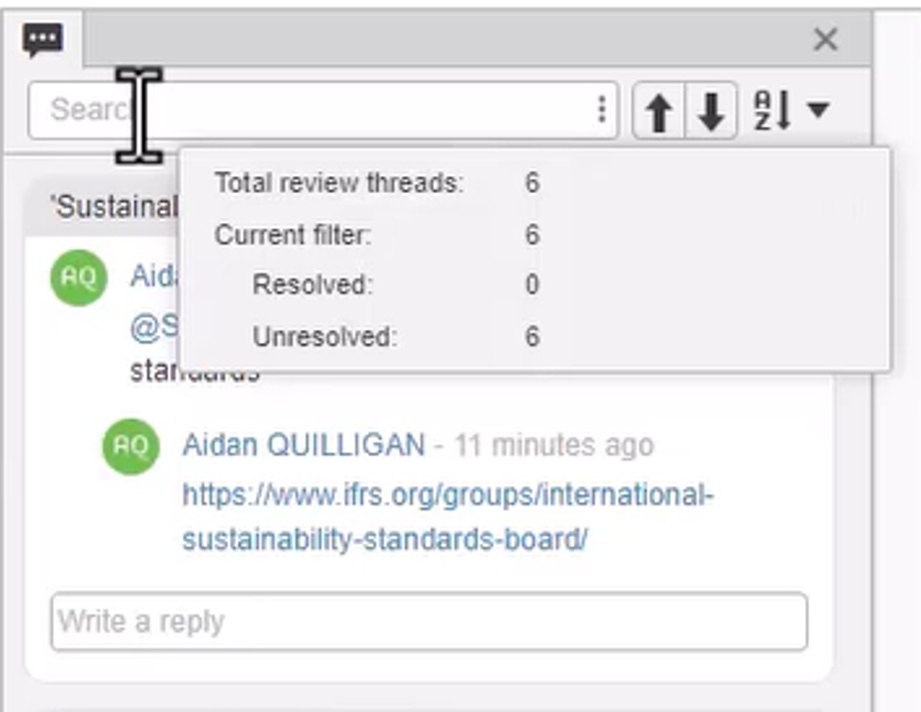
- You can now refer to the Review Thread Summary for real-time status of the resolved and unresolved review threads count
- The Next and Previous navigation buttons are now provided to seamlessly scroll through each review thread.
|
Enhancements in the PDF Publishing Theme |
Why Improved control on style and format of the PDF thanks to the enhancements in the PDF publishing theme |
How
- Following enhancements are now provided in the Publishing Themes:
- Standardize your PDF header by using attributes in the contents of the PDF header
- Standardize your PDF footer or Header by using a combination of static text and attributes
- Standardize your PDF cover page by setting required attributes and adding a specific image
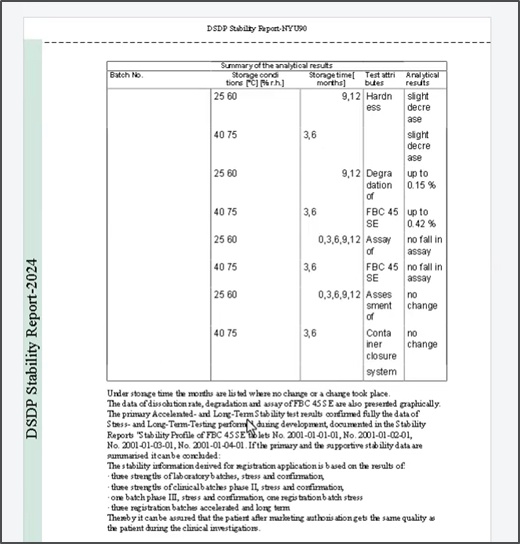
- Standardize the vertical margin by setting attributes such as background color, text alignment and predefined text
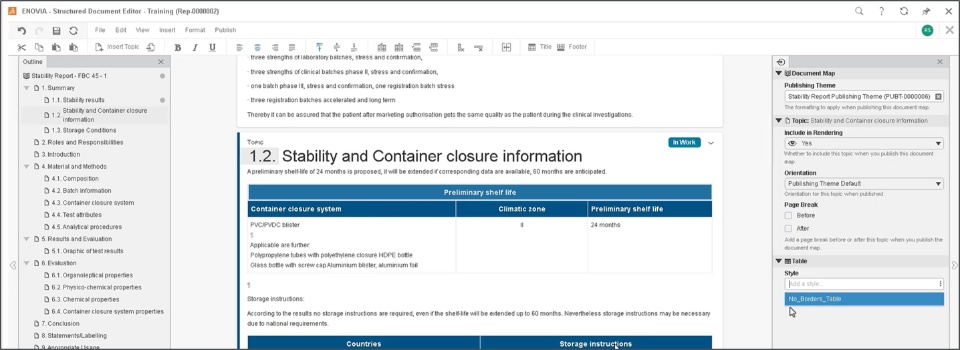
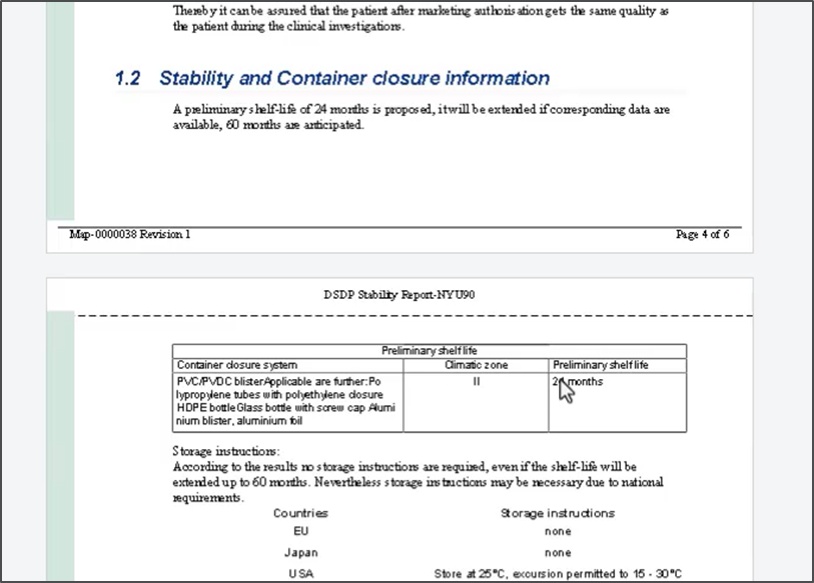
- Generate a new Table Style and configure its attributes to have specific tables within the topic
- You can now use the new option Page Break initiate a page break before or after the specific topic
|
🎬 To discover more about these enhancements, watch the video below:
If you have any question or comments on these highlights, please share them with us below. 👇
Thanks!

