
in our old AutoCAD prints we used solid color coded circlesto mark thing in the drawings. occasionally we would need to join 2circles with a line.
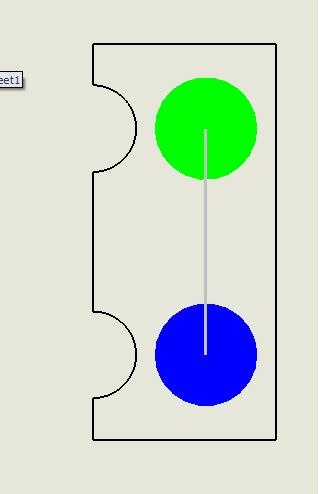
we made blocks of all th e colored circles we use, but when we tryto us a line to connect them, of course, the line is "under" solidhatch of the circle.
any ideas on how to get a line to show ontop of solid hatch?
thanks,
JeremySolidworksDrawings And Detailing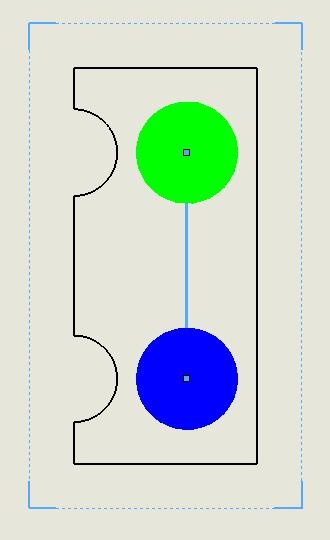
we made blocks of all th e colored circles we use, but when we tryto us a line to connect them, of course, the line is "under" solidhatch of the circle.
any ideas on how to get a line to show ontop of solid hatch?
thanks,
JeremySolidworksDrawings And Detailing

Steve
If the picture get attached, you'll see colored circles with a lineconnecting the centers of particular pairs.
when we try to recreate this in solidworks, the line gets put"under" the solid hatch. making it very easy for the assemblers tomiss - especially since they are used to seeing the hole line.
so far our work around involves a felt tip pen and a straight edge- we need something better.
thanks,
take 2 on picture...
One suggestion might be to make the line(s) thicker so they standout more.
Steve
thanks Mark - the explosion seems to work. though it seems torequire that we explode both blocks at the same time, which strikesme as very weird, but workable.