
I have included two images here, maybe its just a mondaymorning question.
In my drawing i have a bend radius of 1/8" displayed.
In the part file i have a 1/4" radius specified.
??
I want it to show the 1/4" radius.
SolidworksDrawings And Detailing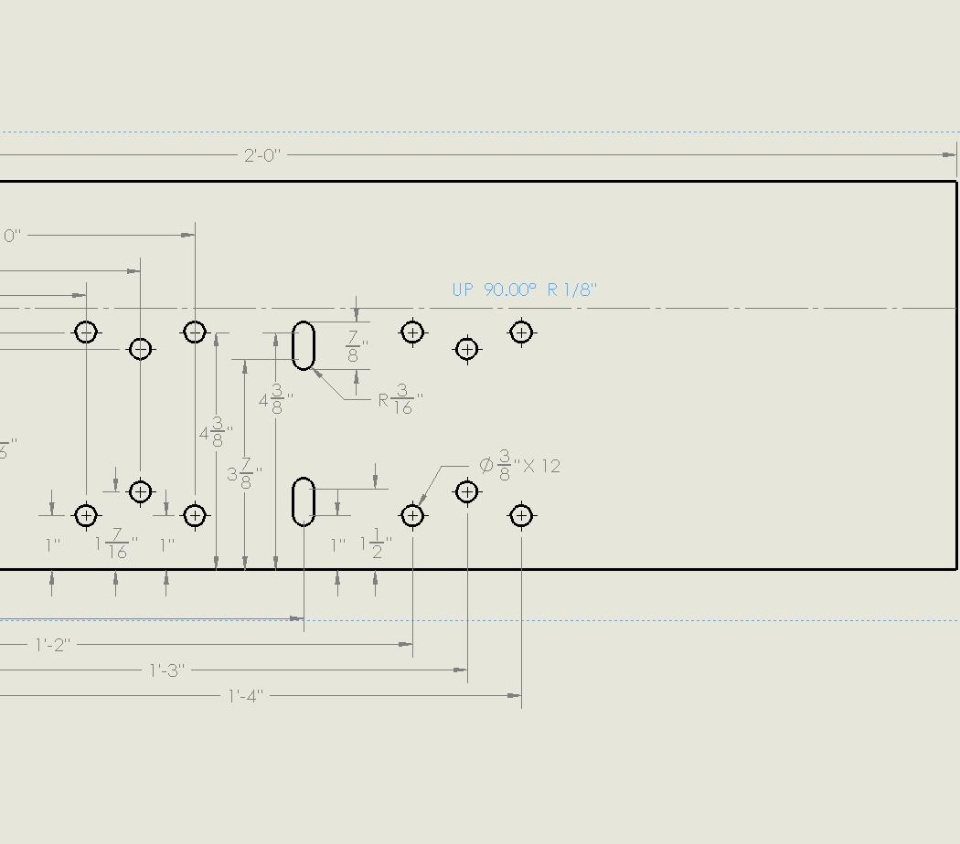
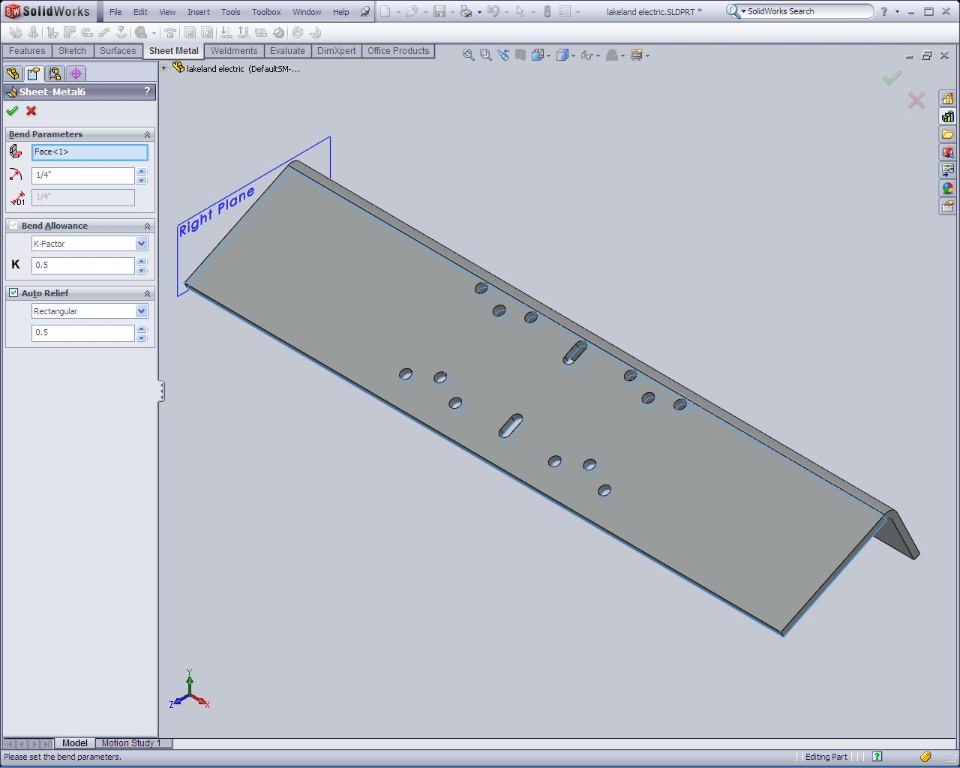
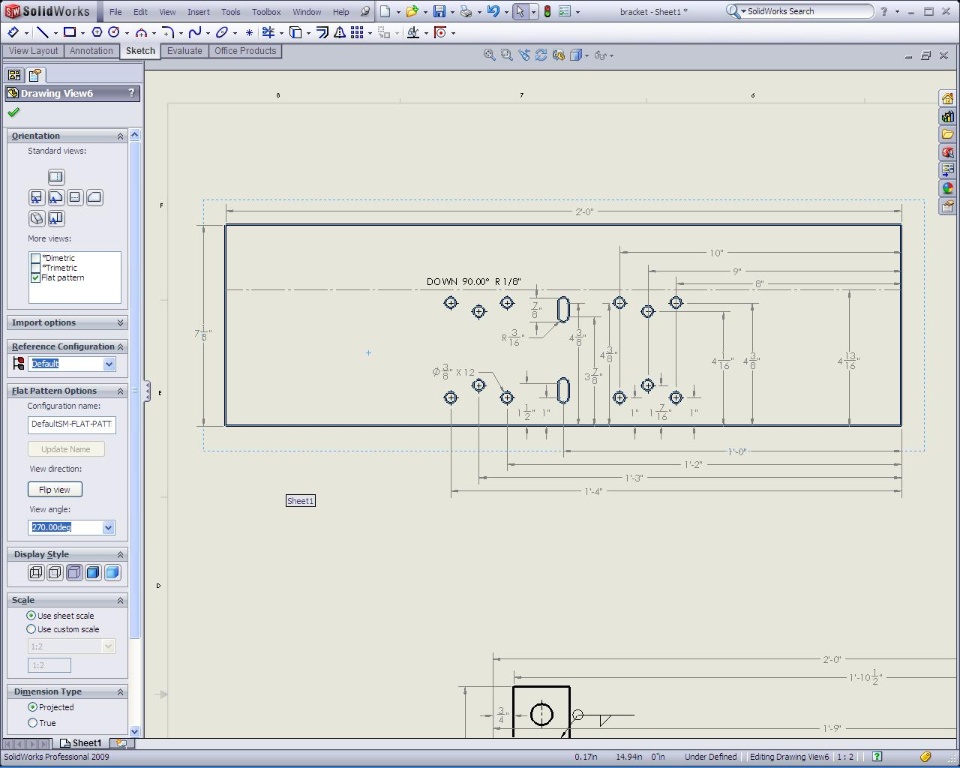

In my drawing i have a bend radius of 1/8" displayed.
In the part file i have a 1/4" radius specified.
??
I want it to show the 1/4" radius.
SolidworksDrawings And Detailing

some dell mutt system, duo core, 2gb ram, generic graphicscard....
If so what is the configuration the flat blank view is set to? RMB> Properties on the drawing view to see which configuration isselected.
Cheers,
here is another image if it helps of the drawing view
Zip up the offending part and drawing files and upload here so wecan take a look.
Cheers,
I can't explain why it shows the 1/8" in the flat pattern drawing,but the reason you are not seeing the 1/4" radius as desired isbecause of the way you built the part. If you really want to modeland then insert bends, model as a sharp corner and let it put theradius in.
But you might also take a look at building it as a sheet metal partfrom the get go by starting with a base flange. For simple parts asthis, I prefer that method as it gives you better access to thebuilt-in tools.
WT
You have a 1/4" thick part with a sketch defined 3/8" outside bendradius. 3/8" - 1/4" equals an 1/8" inside bend radius. TheSolidWorks flat blank is correct for what you have modeled.
Change your sketch to show a 1/2" outside bend radius and you willget the inside bend radius of 1/4" you want.
Cheers,
WT