
Is there anyway I can save an Assembly as a Part (.SLDPRT)and keep the part Parametric to the Original Assembly?
I want to use that assembly as reference, but it would be perfectif I could save it as a part, and that the part file undatedwhenever ther original assembly was update. Any Ideas, compents,alternatives?SolidworksAssemblies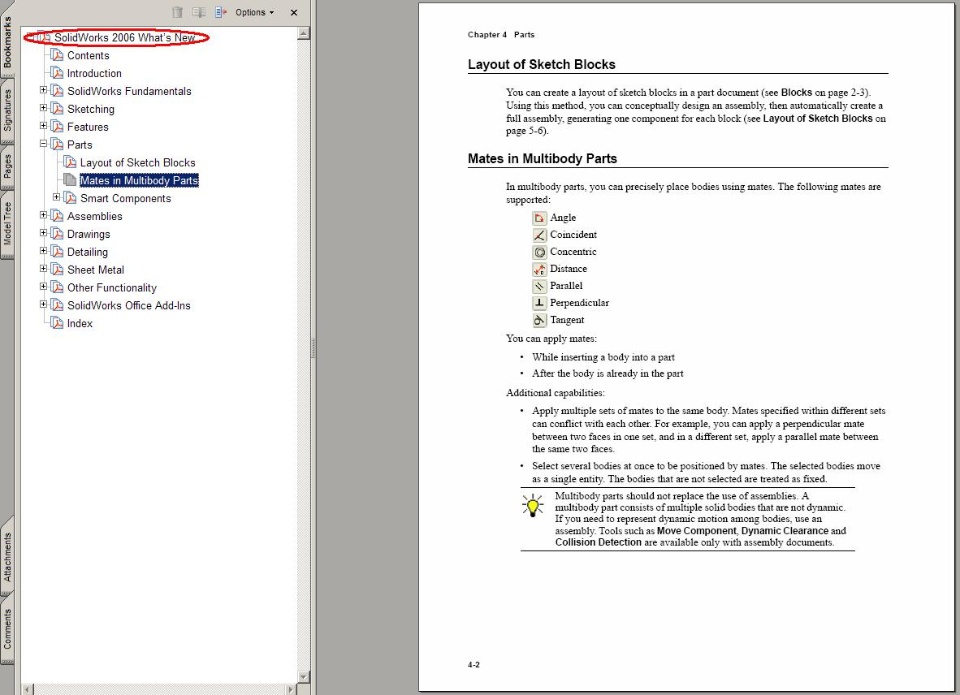

I want to use that assembly as reference, but it would be perfectif I could save it as a part, and that the part file undatedwhenever ther original assembly was update. Any Ideas, compents,alternatives?SolidworksAssemblies

Steve
but since you can't assemble (mate) in a part file
I want to use that assembly as reference, but it would beperfect if I could save it as a part, and that the part fileundated whenever ther original assembly was update. Any Ideas,compents, alternatives?
There use to be a video example of this on SolidProfessor. Youmight need to download the free tips and tricks add-on fromSolidProfessor to get access to the video as they have changed howthe free videos work.
See, Kelvin, that's what we get for not upgrading...
Steve
see solidworks 2006 what's new (pg 48 of 134).