This section covers issue where sometimes you see a blank screen when working in 3DDashboard or 3DSwym.
3Dashboard:
Dashboard is Empty, Cannot see the dashboard list
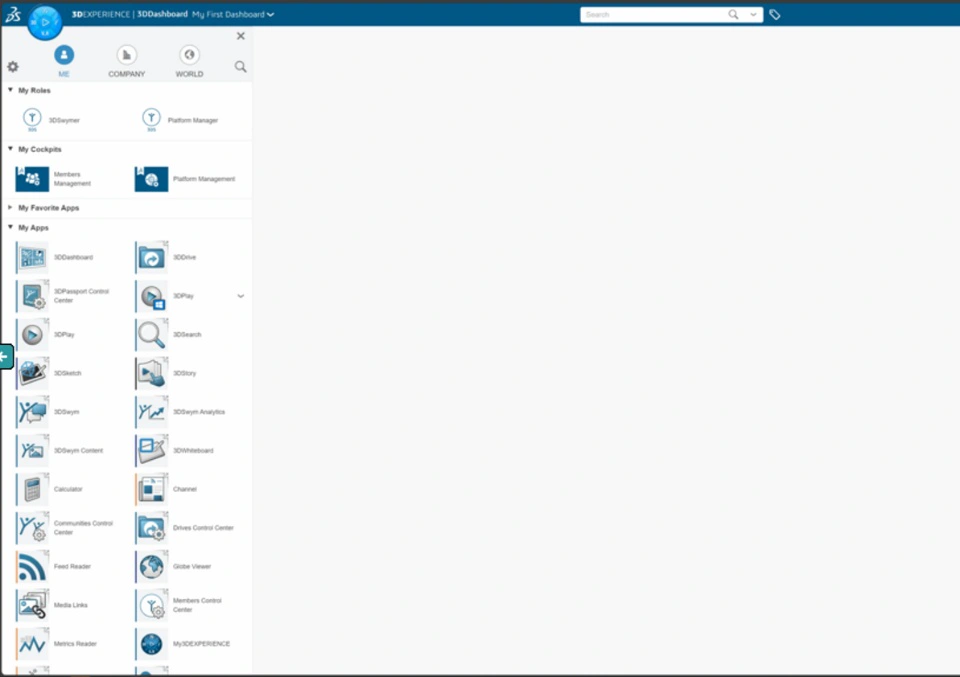 | Probable Cause: - This issue occurs when the dashboard gets corrupted for some reason.
- User cannot see the list of dashboards and will not be able to navigate to the other dashboard.
Probable Solution: - In such cases as a bypass, you can ask the user to login to the link which should take the user to Platform Management dashboard. Or any other user on the tenant can provide the platform link of a different dashboard who can login and load any of his dashboard.
- We just want to have a different landing page when user logs in.
- If the user is able to login to the other dashboard, then he should see the dashboard list and can delete the corrupt dashboard and create a new one.
|
3DSwym:
When logging into R1132100503382 (External Swym), Blank screen - Cannot go ahead
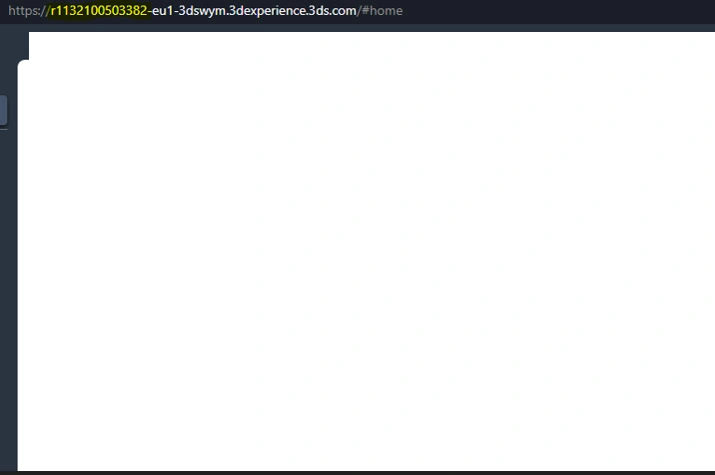 | Probable Cause: - User is not synchronized well on external platform.
Probable Solution: |

