
Hi,
This shouldn't be too difficult.
Using the imaging and reporting collections I want to read the attached image and place it in a PDF report.
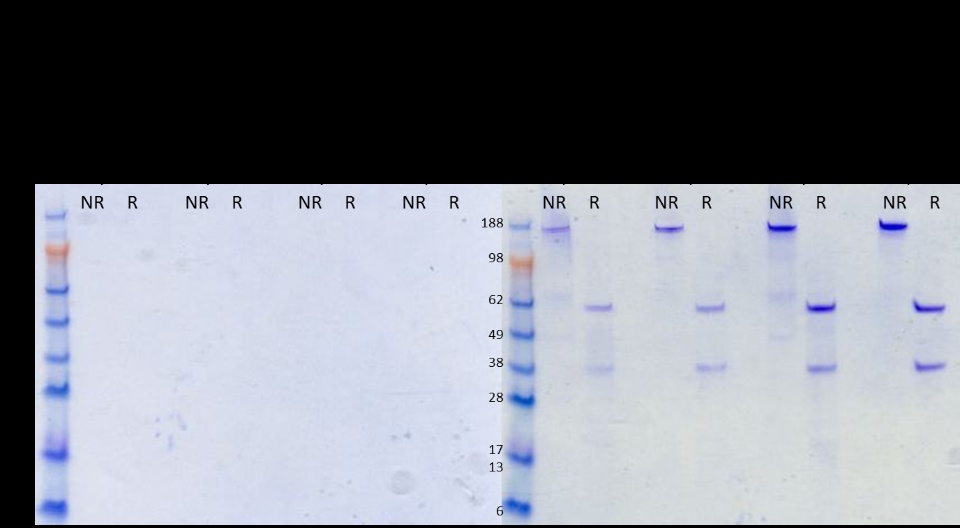
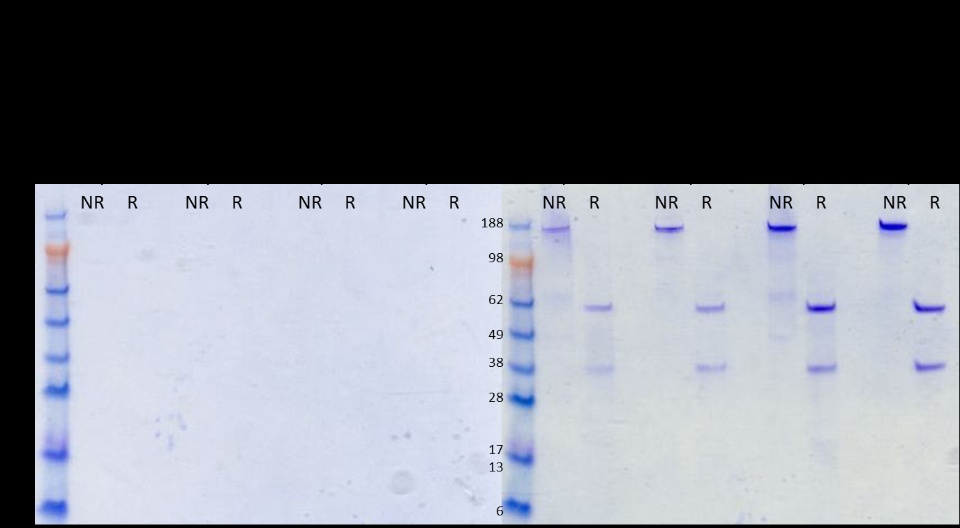
However when the image is read using the Image Reader components it's as if the transparent value pixels are all assigned to maximum intensity (ie black) - thereby making the text in the image illegible. I can't manage to deconvolute it by any means.
Or maybe when it gets placed into a report the transparent pixels are assigned to black?
If I read the image in using the image from File component in the reporting collection then the image presened in the final report looks as intended. However by using that method I'm unable to perform any of the image manipulations I might need. Note: Converting that image within the pipeline to an Image record results leads me back to the starting point.
End result should look like this:
What I'm getting is this:
Any advice please - image in question attached
Thanks,
Tristan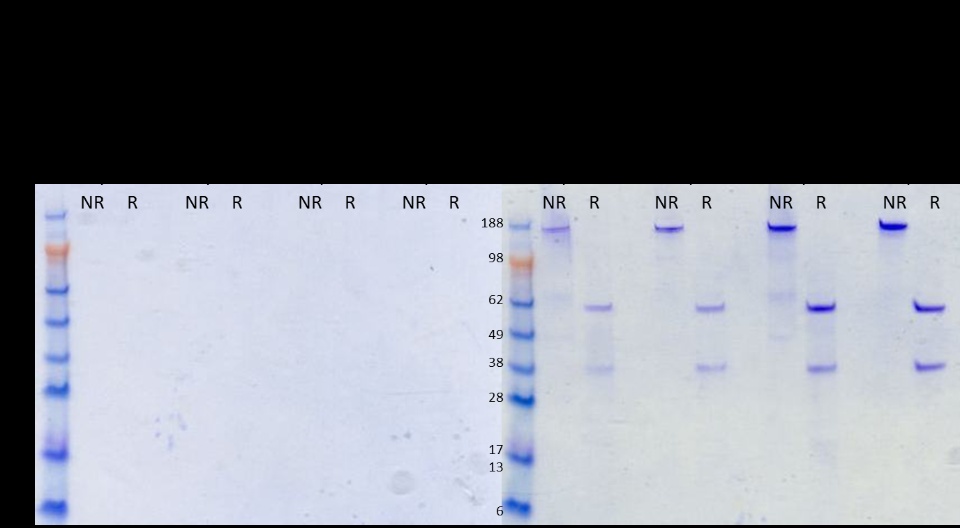
This shouldn't be too difficult.
Using the imaging and reporting collections I want to read the attached image and place it in a PDF report.
However when the image is read using the Image Reader components it's as if the transparent value pixels are all assigned to maximum intensity (ie black) - thereby making the text in the image illegible. I can't manage to deconvolute it by any means.
Or maybe when it gets placed into a report the transparent pixels are assigned to black?
If I read the image in using the image from File component in the reporting collection then the image presened in the final report looks as intended. However by using that method I'm unable to perform any of the image manipulations I might need. Note: Converting that image within the pipeline to an Image record results leads me back to the starting point.
End result should look like this:
What I'm getting is this:
Any advice please - image in question attached
Thanks,
Tristan
