Previous Post
When installing the Dymola Behavior Modeling app, administrators can import the 3D XML files containing the Modelica behavior libraries.

Numerous Modelica libraries are provided with Dymola Behavior Modeling. Some are free to use, some need dedicated licenses.

The main general library is the Modelica Standard Library provided.

The 3D XML files are stored in the install repository, typically [CATIA install path]\\resources\\DBM_Libraries\\3DXMLData\\.

Note: If the user gives a command from the action bar that is associated with a 3D XML file that is not installed, the file is also searched for in the locations specified in Me > Preferences > App Preferences > 3D Modeling > Systems Modeling and Execution > Dymola Behavior Modeling , the Libraries tab, the preference Additional 3DXML´s location. If the file is found here, it is automatically installed, as Reference.
Tips:
- To update installed libraries, the process is identical.
- In a batch mode, do not forget to select the Import as Reference option. If you do not select this option, the imported libraries are duplicated.
- Administrators should update the imported libraries every time a new version is installed. This ensures that users access the last version of these libraries.
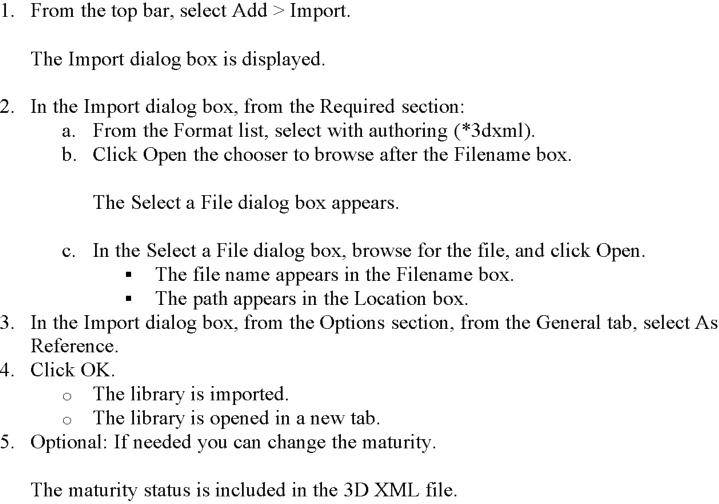
Import a Single Library with a Command
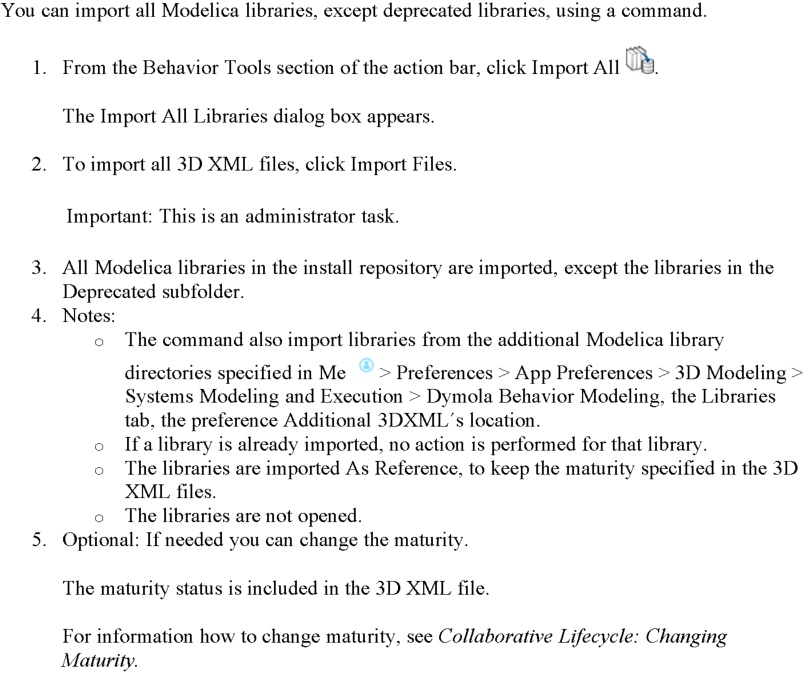
Import All Libraries with a Command
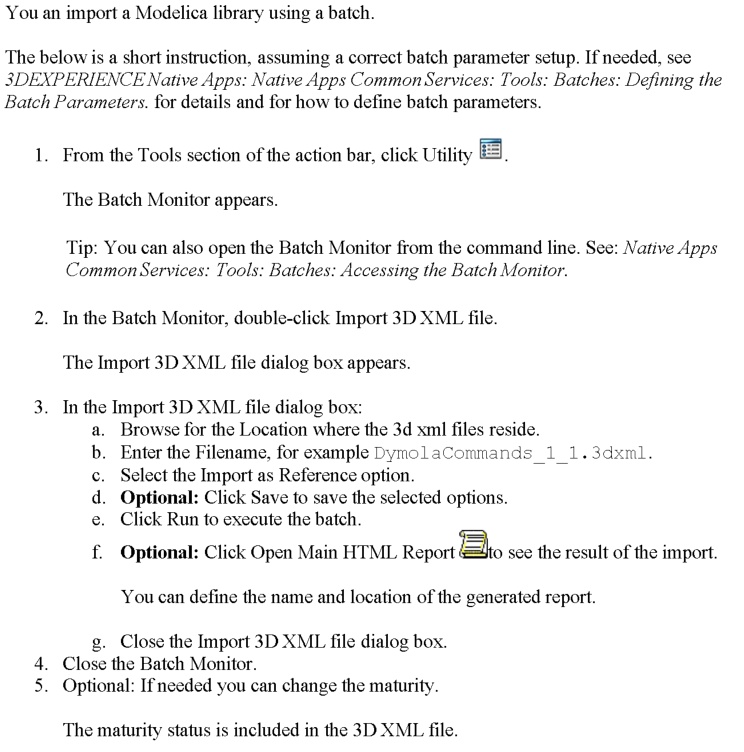
Import with Batch