
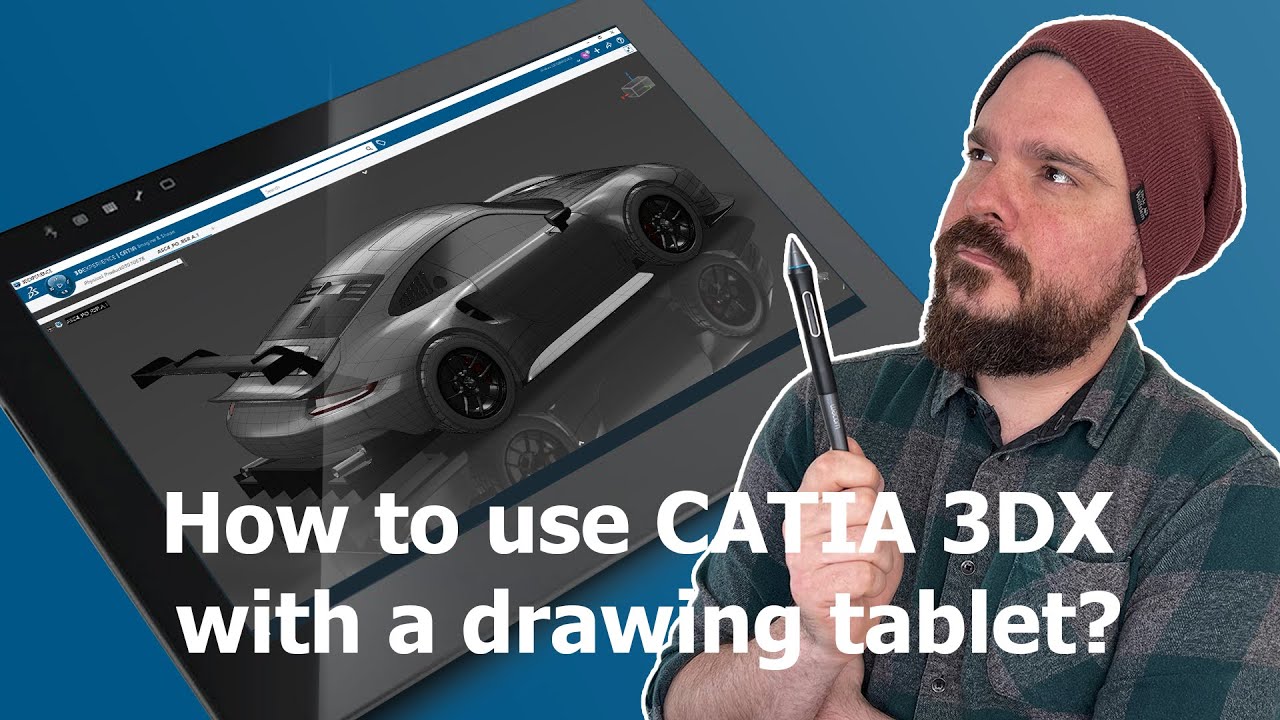
Hey there, Students! We’ve stumbled upon an incredible YouTube video that we believe will revolutionize your 3DEXPERIENCE CATIA workflow. This informative tutorial provides step-by-step instructions on setting up your Wacom tablet and stylus for seamless navigation within the 3DEXPERIENCE CATIA.
Here’s a breakdown of what you’ll discover in this video:
- How to set up your Wacom tablet and stylus for navigating in 3DEXPERIENCE CATIA.
- How to navigate in the 3D space with the stylus
- How to assign hotkeys to the main views
Now, let’s explore the benefits of utilizing this feature for students:
- Enhanced Precision and Control: A drawing tablet and stylus provide students with unparalleled precision and control while working on intricate CAD designs. The fluidity of the stylus ensures smoother movements, resulting in increased accuracy and reduced design errors.
- Ergonomic Advantage: By replacing the traditional mouse with a stylus, students can alleviate the strain on their wrists and hands. The natural pen-like grip and the absence of repetitive clicking motions contribute to a more comfortable and sustainable workflow.
- Improved Productivity: Navigating through the 3D space with a stylus enables faster exploration and manipulation of complex models. By assigning hotkeys to main views, students can instantly switch perspectives, accelerating their workflow and boosting overall productivity.
- Realistic Design Experience: Emulating the experience of drawing and sketching on paper, a drawing tablet and stylus offer a more intuitive approach to designing in 3DEXPERIENCE CATIA. This immersive experience fosters creativity, allowing students to translate their ideas seamlessly into the digital realm.
So students, if you’re looking to elevate your CATIA skills, this video is an absolute must-watch! Enhance your design workflow, improve precision, and unlock a world of possibilities by incorporating a drawing tablet and stylus into your CATIA toolkit.
Edu ENOVIA 3DSwym 3DEXPERIENCE KnowledgeSharing
